Facebook Sharing
Create a governed, copy-ready Facebook share package from an approved publication. NUR never posts automatically. The workflow is: approve → prepare package → copy text → open Facebook → paste and publish manually.
| Publication | Title | State | Share actions | Prepared package |
|---|---|---|---|---|
PUB-000001 |
QLens Foundation Book | published |
Download ZIP |
CLI
qlens publication share PUB-000001 --profile facebook_bn --actor Mamun
The command creates plain-text and Markdown post files, a manifest, instructions, and a ZIP archive under generated/publications/shares/facebook/.
Facebook visuals
The internal Publication Visual Engine prepares the assets needed for the same Facebook publication target. It remains an implementation service; the author works from this Facebook workspace.
-
Cover image

-
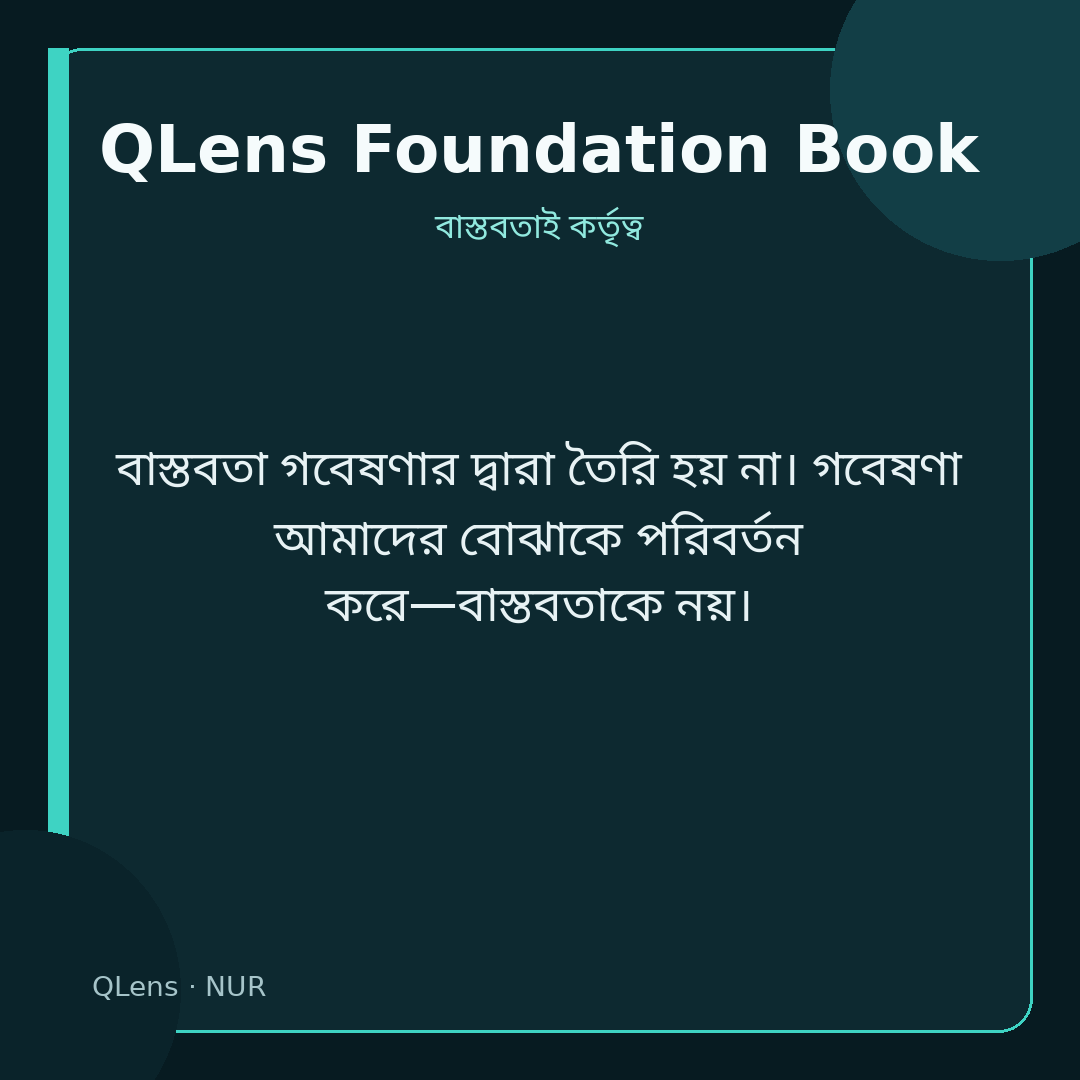
Quote card
-
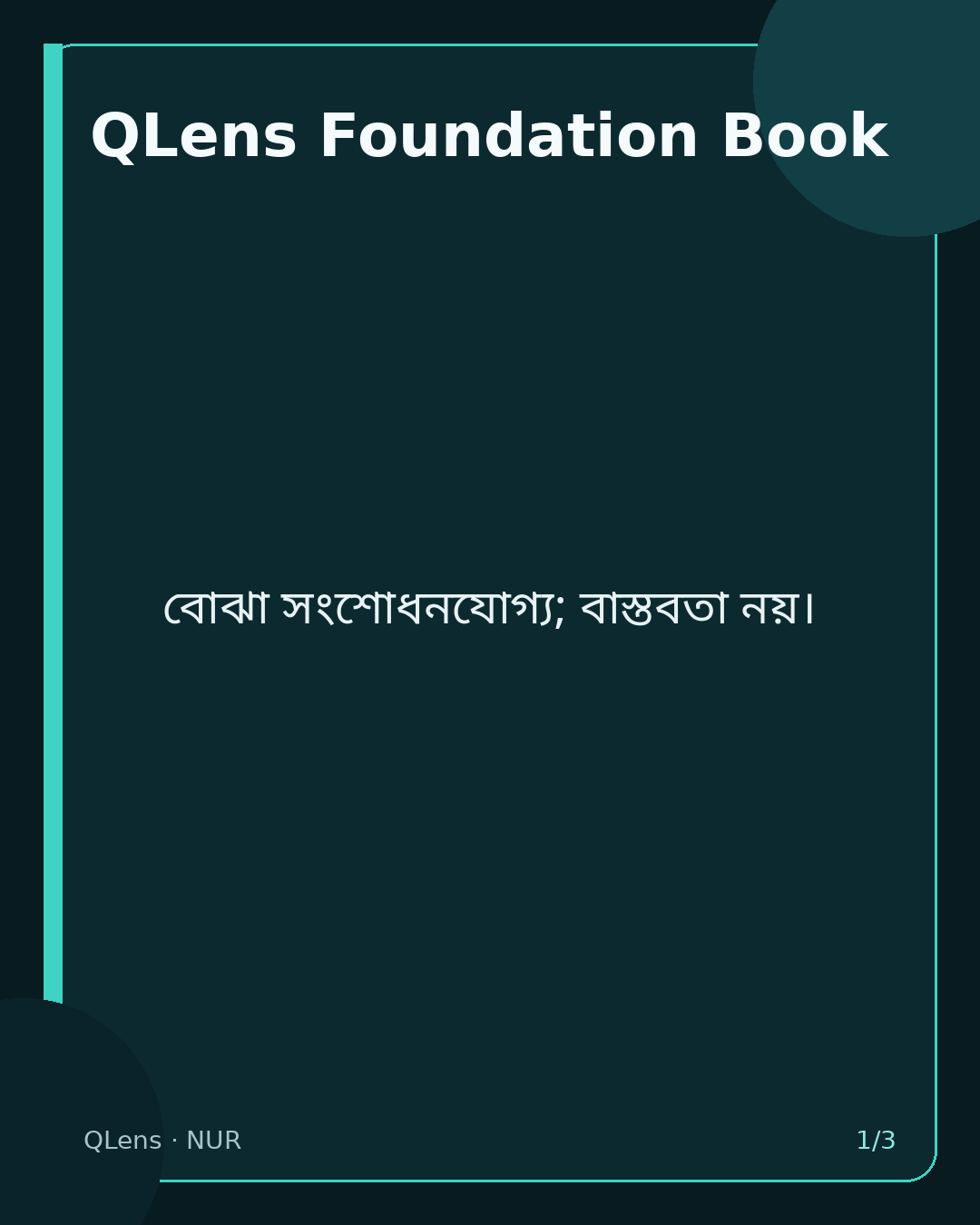
Carousel
-
Visual package
Generate or refresh the visual assets:
qlens publication visual PUB-000001 \
  --profile facebook_bn \
  --visual-kind cover \
  --visual-kind quote \
  --visual-kind carousel \
  --visual-kind og \
  --actor Mamun
Generated assets are stored under generated/publications/visuals/pub-000001/facebook_bn/ and copied into docs/assets/visuals/ for the static NUR site. They remain derived, review-required assets and are never posted automatically.
Facebook campaign
Create a governed multi-part series from the same publication:
qlens campaign create PUB-000001 --profile facebook_bn --parts 12 --cadence daily --actor Mamun
Open the Social Campaigns view to track manual publication progress.